Audio Previews
Introduction
Let's say you're selling a soundpack, album or any kind of audio work. You'll need a way to give customers a taste of the final audio files that they'll receive after purchase. With our audio previews feature you can now have a seamless and helpful audio player directly on your product sales page. This can complement any YouTube or Soundcloud embeds you currently have on your product pages.
Additionally with the store builder you can now insert an audio section on any part of your store to provide audio previews.
Adding audio previews to a product
- Visit your add or edit digital product page
- Scroll down to the "Advanced options" section
- Check the "Upload audio files for listeners to preview with audio player" checkbox
Customizing audio player layout
- Visit your store builder
- Click through to your product page
- Click the product section to edit it
- Set the field "Customize audio player" to "Yes"
- Under the "Audio player layout" field you can choose between up to 12 layouts for the audio player
Here are all the layouts available for the audio player
|
Layout 1
|
Layout 2
|
|
Layout 3
|
Layout 4
|
|
Layout 5
|
Layout 6
|
|
Layout 7
|
Layout 8
|
|
Layout 9
|
Layout 10
|
|
Layout 11
|
Layout 12
|
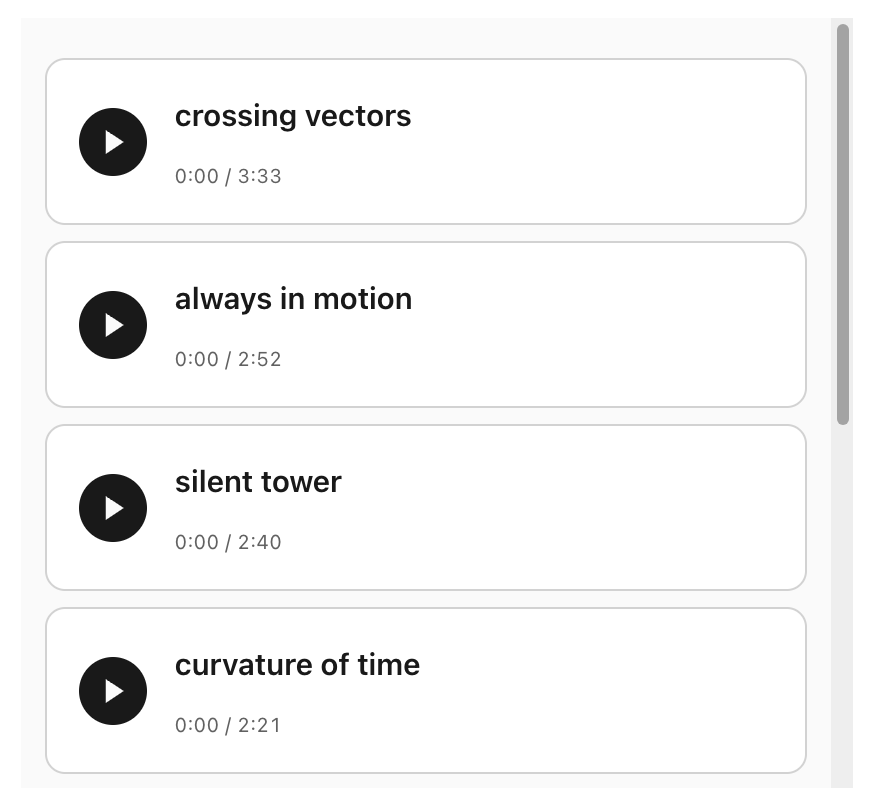
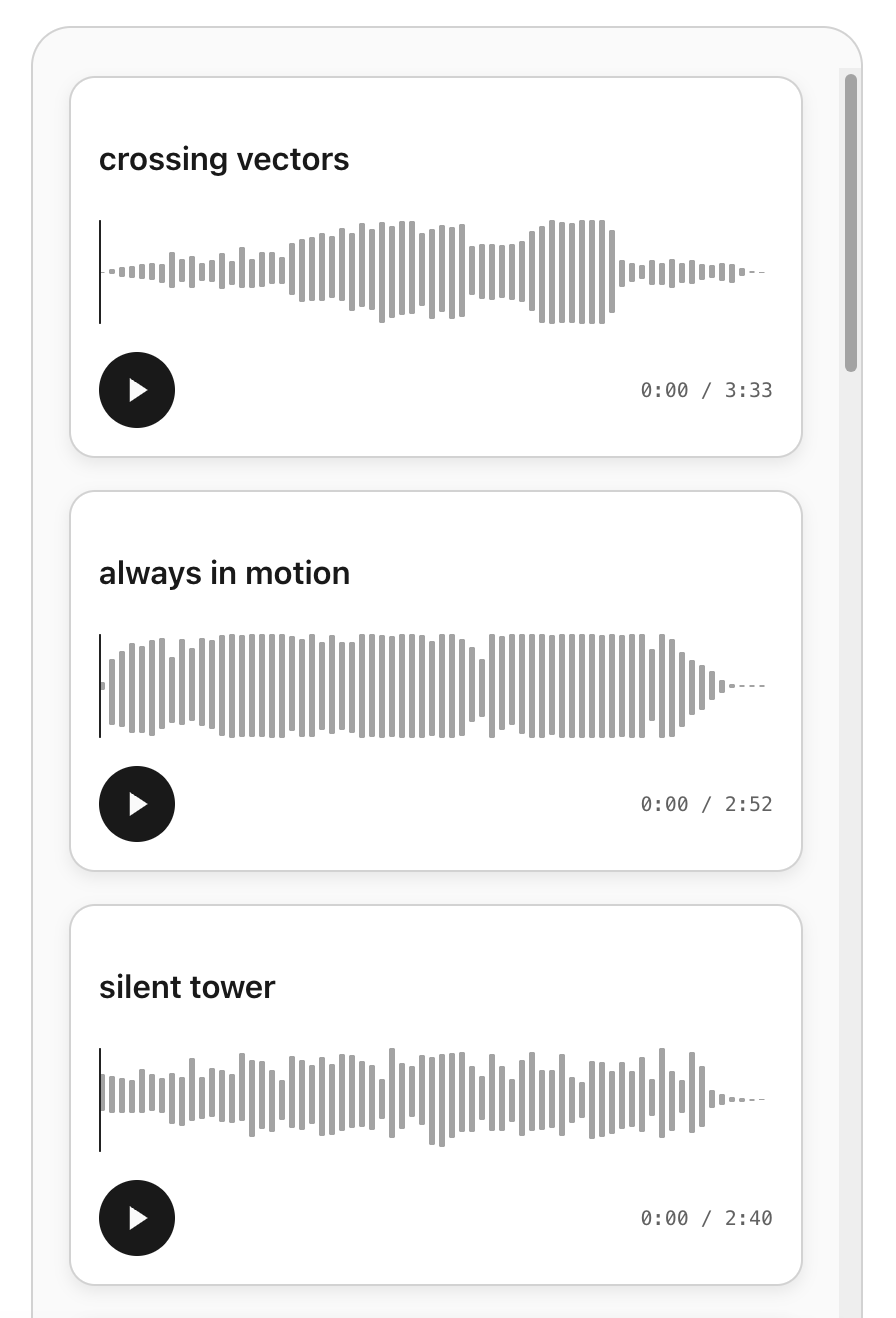
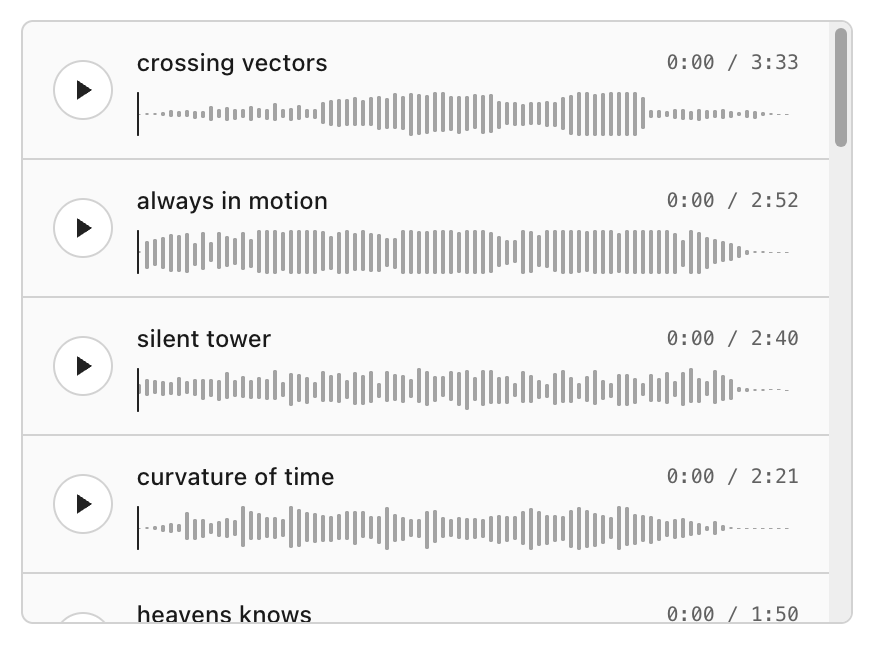
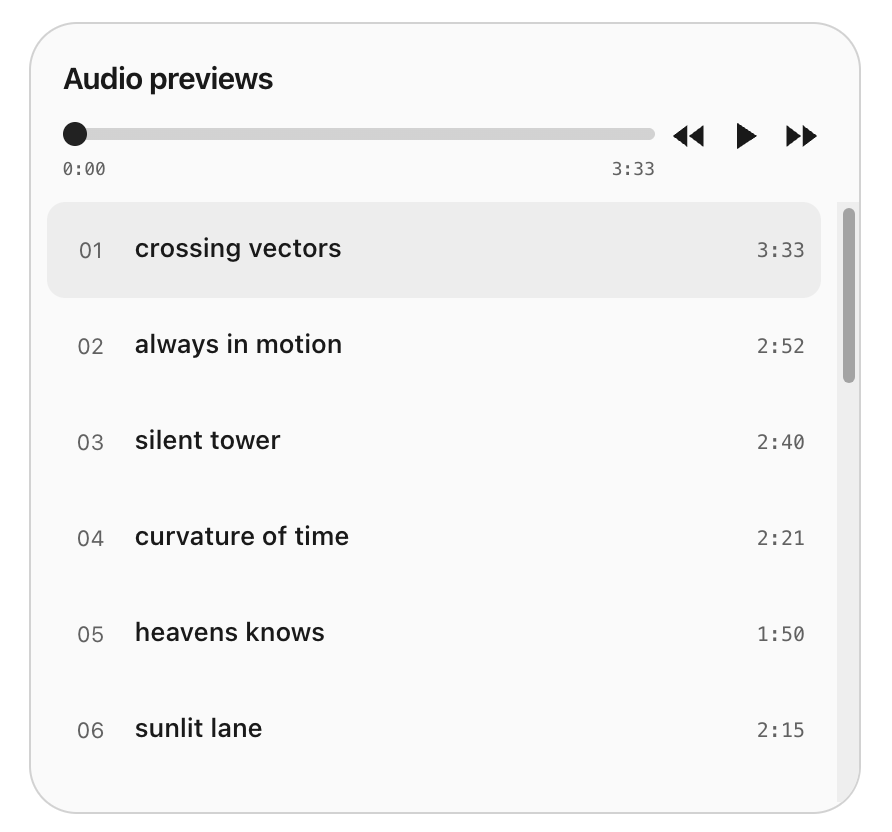
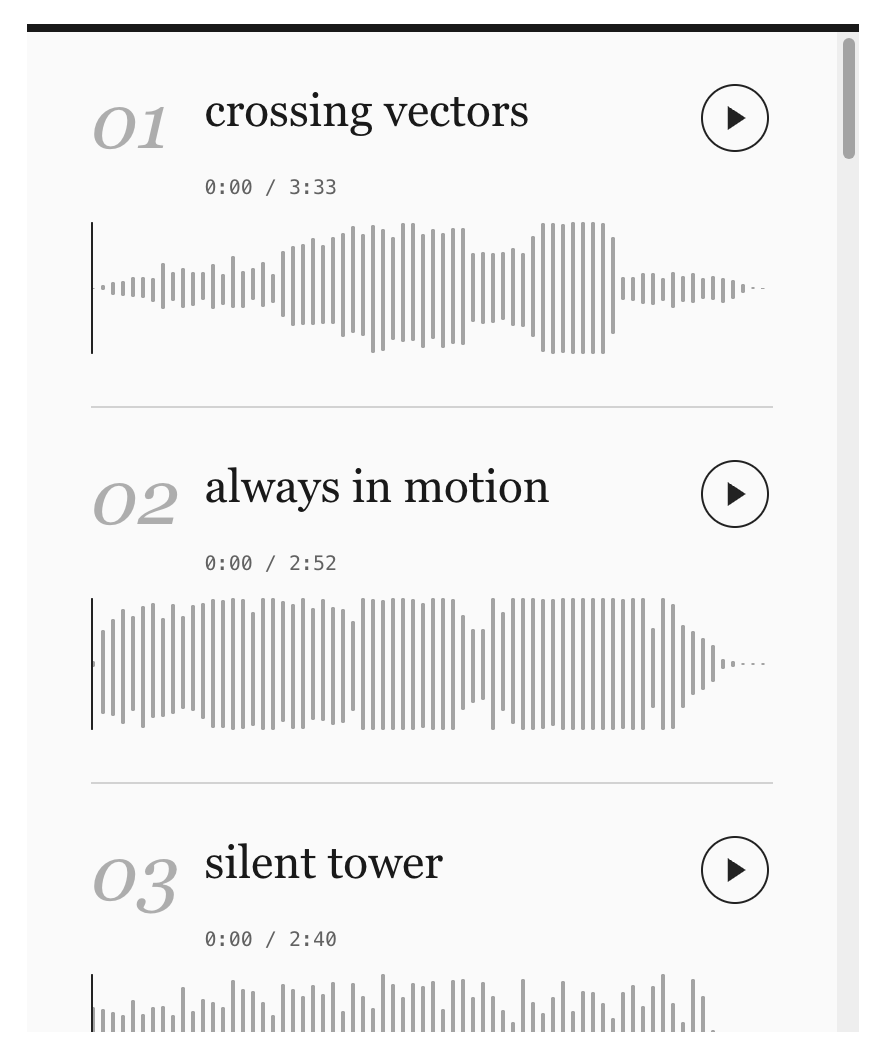
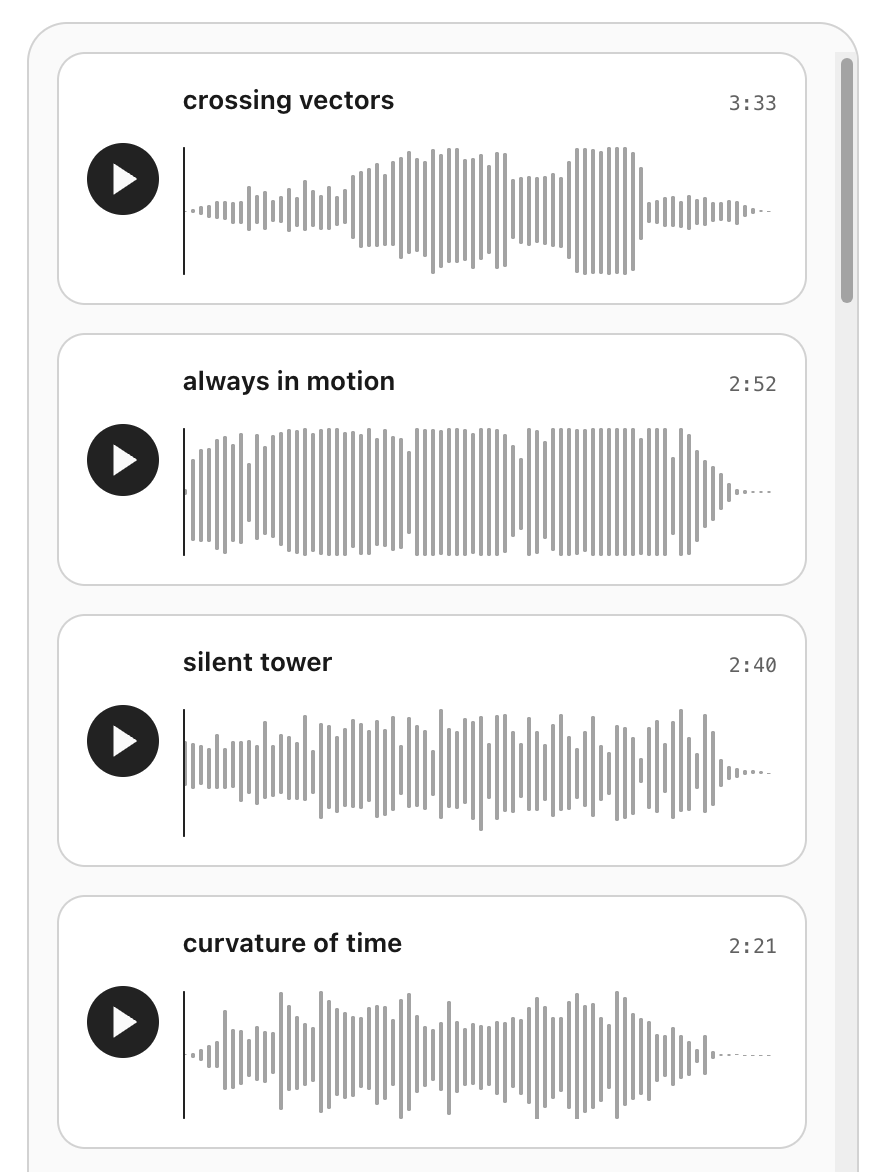
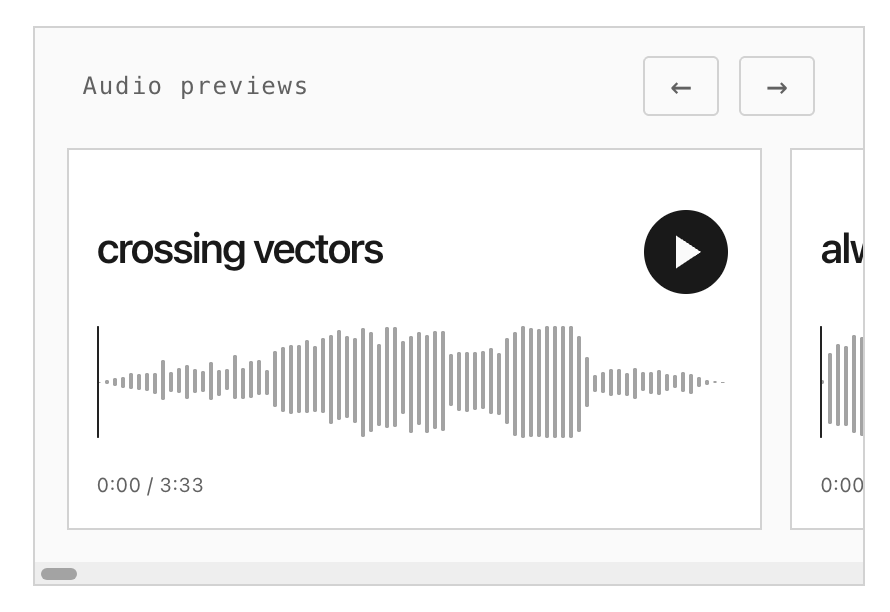
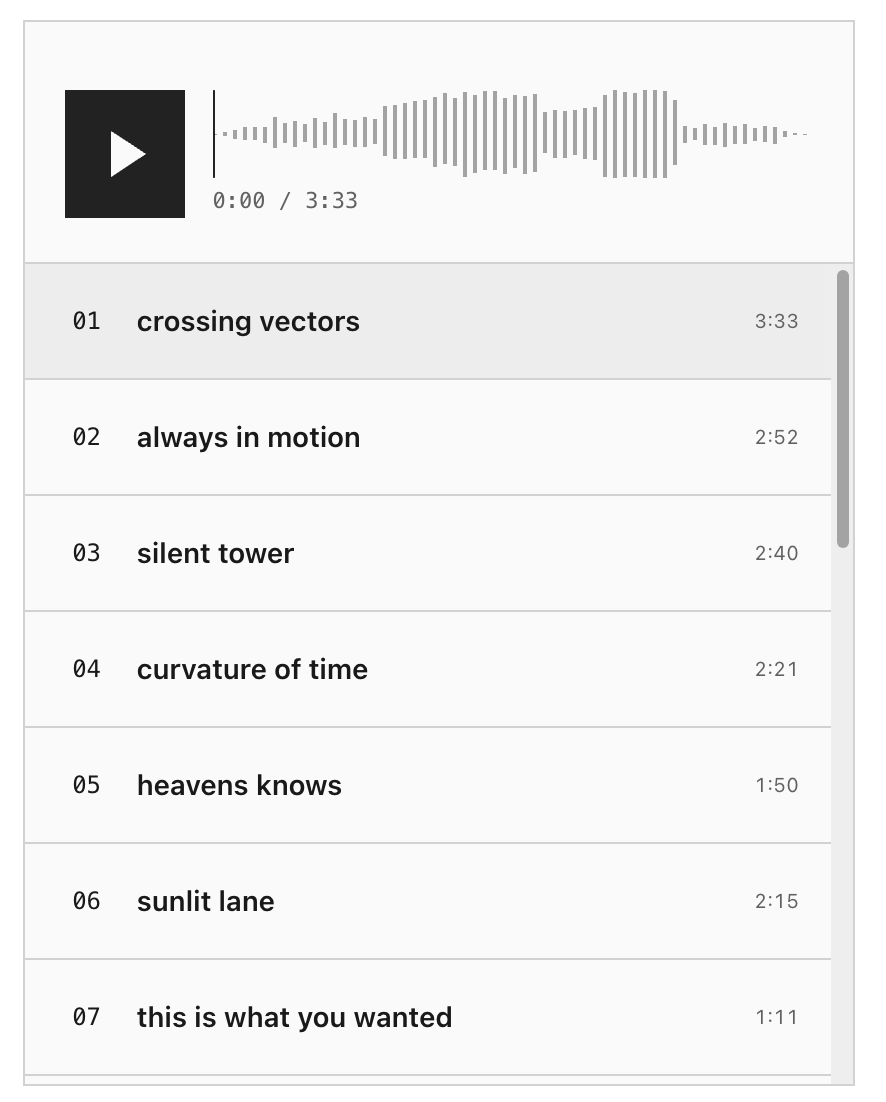
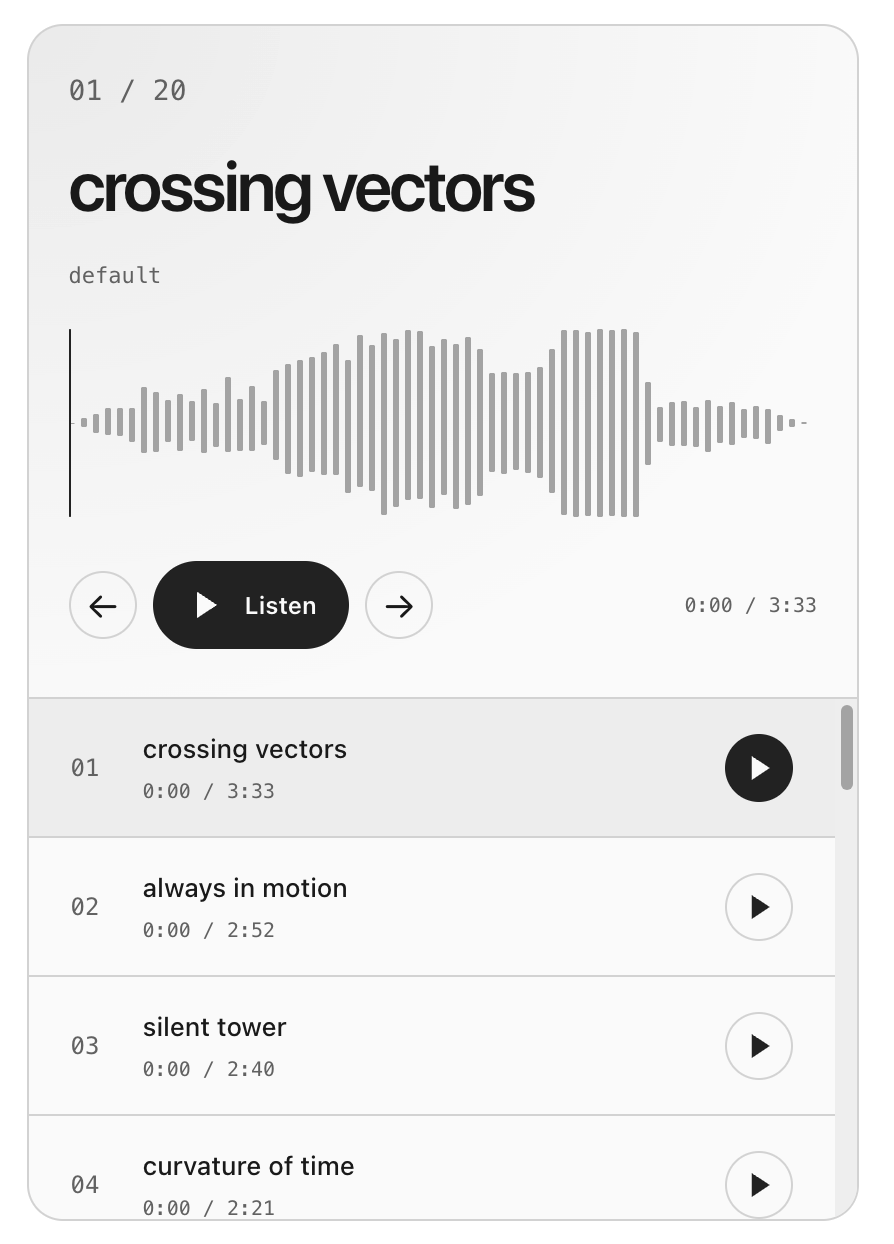
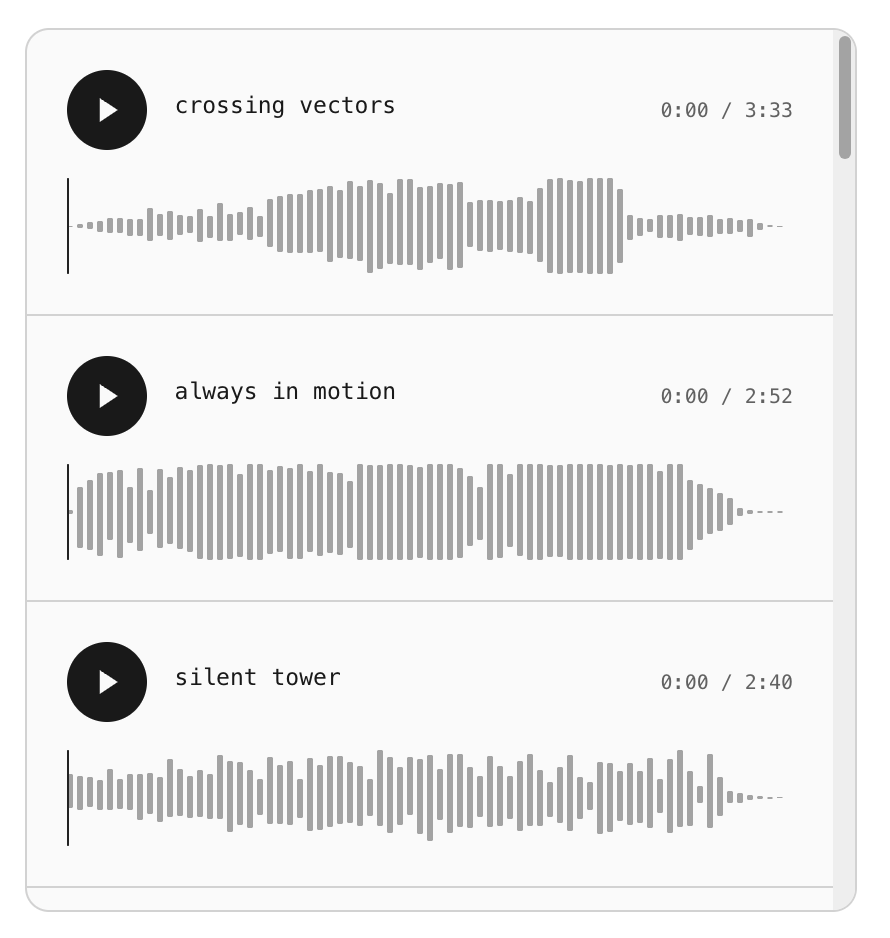
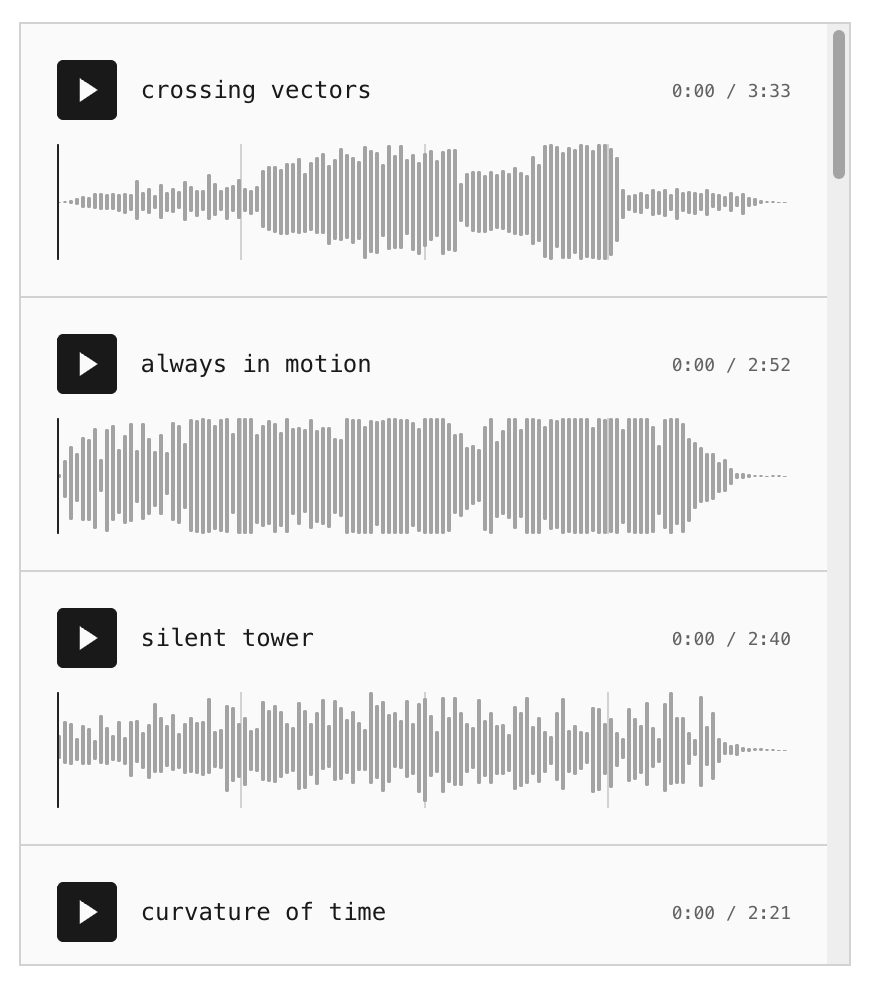
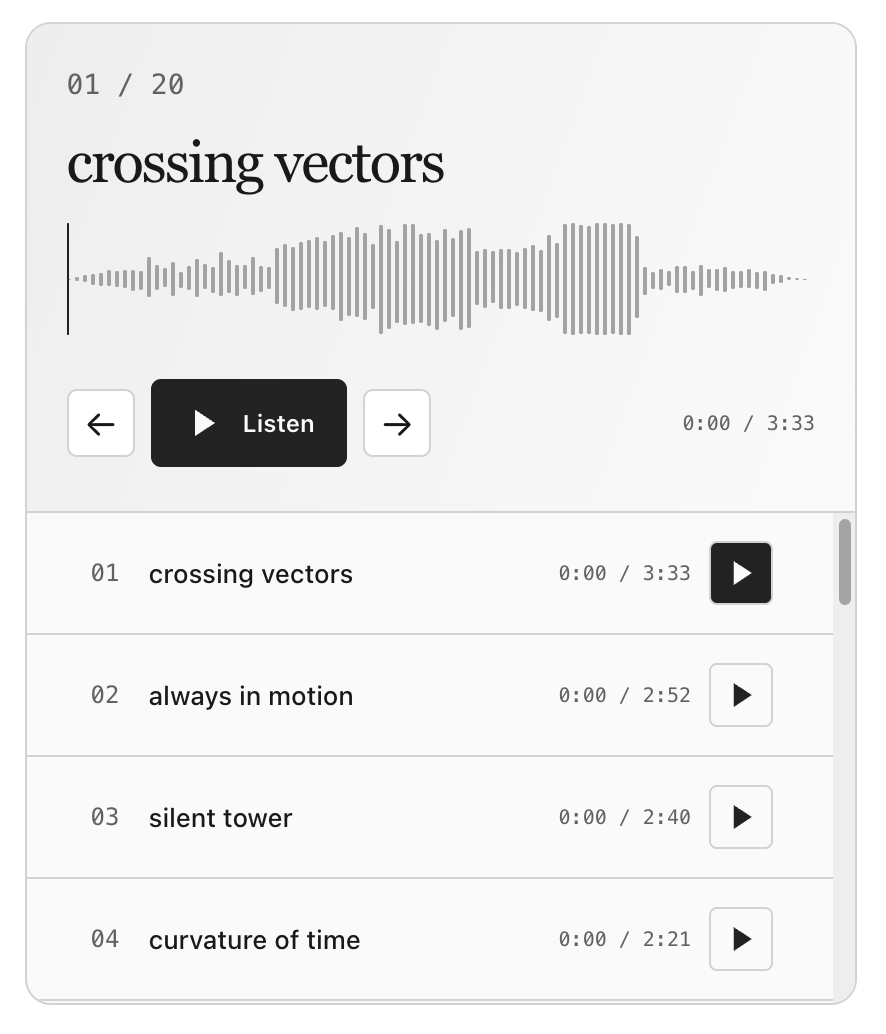
You can also switch the audio player between light mode and dark mode
Adding audio player to any page on your store
- Visit your store builder
- Click the "Add section" link to the page you wish to add the audio player to
- Choose the "Audio" section as shown in the below video
Tabs on audio player (optional)
If you have a lot of audio you need to preview to potential customers then it could be a good idea to organise your files into separate tabs.
For example let's say you you want to group up your previews into 3 tabs: "piano", "guitar" and "drums and percussion" - your audio player can look like below:
To create tabs firstly visit your edit product page and take the steps in the below video. Press the enter key when renaming tabs to make it stick.
Notes
Please note you can only upload MP3 files as audio previews at the moment, the maximum supported file size for each file is 8MB.